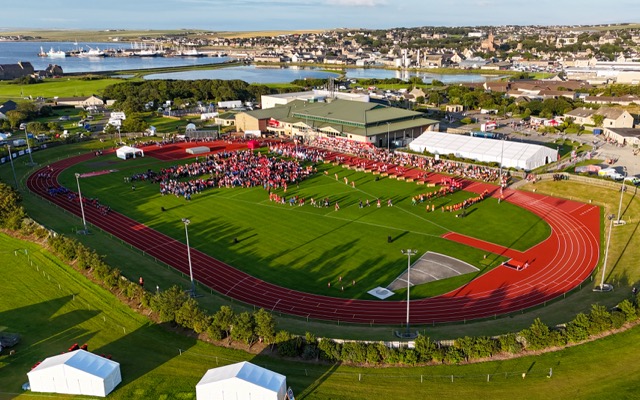
When planning a sports event, choosing the right venue is one of the most critical decisions you’ll make. It’s not just about location — the venue must meet the operational, technical, and safety standards required for athletes, spectators, and media.
A site visit helps you evaluate these factors first-hand. Knowing the right questions to ask on a venue site visit ensures you gather the information needed to make confident, informed decisions.
This guide outlines the essential questions to ask at a venue tour and how tools like OnePlan can simplify the entire process.
Preparing for Your Venue Tour
Before arriving on site, define the objectives of your sports event. Are you hosting a local tournament, a national championship, or a corporate sports day? Each type of event has unique requirements for space, equipment, and crowd flow.
Research your shortlisted venues online. Check their size, accessibility, facilities, and history of hosting sports events. This will help you refine your questions to ask when touring a venue and focus on the most important details during your visit.
Key Questions to Ask When Touring a Venue for a Sports Event
The following questions to ask on a venue site visit will help you evaluate whether a location is the right fit for your event.
1. Availability and Scheduling Flexibility
- Is the venue available on your preferred event dates?
- Can it accommodate early setup or late-night finishes?
- Are there any local restrictions or curfews that may affect scheduling?
2. Playing Surface and Sport Standards
- What type of surface is available — grass, turf, court, or track?
- Is the surface certified to meet your sport’s governing body standards?
- How frequently is it maintained and inspected?
3. Capacity and Spectator Experience
- What is the venue’s spectator capacity?
- Are there flexible seating layouts?
- How does the venue handle safe entry and exit for large crowds?
4. Athlete and Team Facilities
- Are there sufficient changing rooms, showers, and rest areas?
- Are warm-up or training spaces available nearby?
- How close are athlete areas to the field of play?
5. Media, Technology, and Broadcast Support
- Are there dedicated media zones, commentary boxes, and power outlets?
- Is there high-speed internet for live streaming and scoring?
- Are broadcast teams supported with easy access and power connections?
6. Safety, Security, and Medical Services
- What emergency response plans are in place?
- Where are the medical and first aid stations located?
- Is there on-site security or stewarding available?
7. Venue Layout and Accessibility
- How is the venue laid out for players, staff, and fans?
- Are there accessible routes and facilities for guests with disabilities?
- Can operational areas (e.g., athlete zones or media spaces) be separated easily?
8. Parking and Transport
- Is there enough parking for staff, teams, and spectators?
- Are there bus or coach access routes?
- What public transport options are nearby?
9. Catering and Hospitality
- Does the venue offer in-house catering?
- Can external vendors or food trucks be brought in?
- Are there hospitality zones for VIPs and sponsors?
10. Costs and Contract Details
- What’s included in the hire fee — utilities, staffing, or cleaning?
- Are there extra charges for overtime or setup?
- What are the payment, insurance, and cancellation terms?
How OnePlan Helps Sports Event Planners Reduce Site Visits
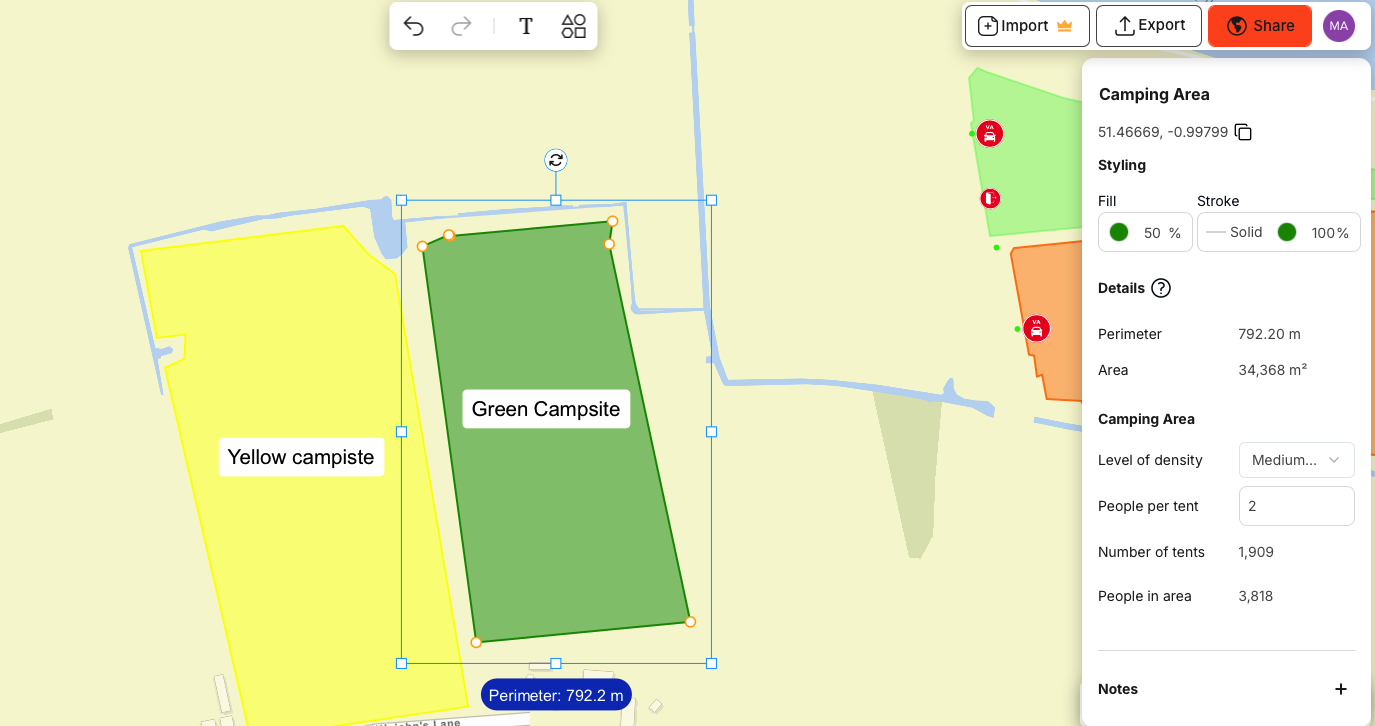
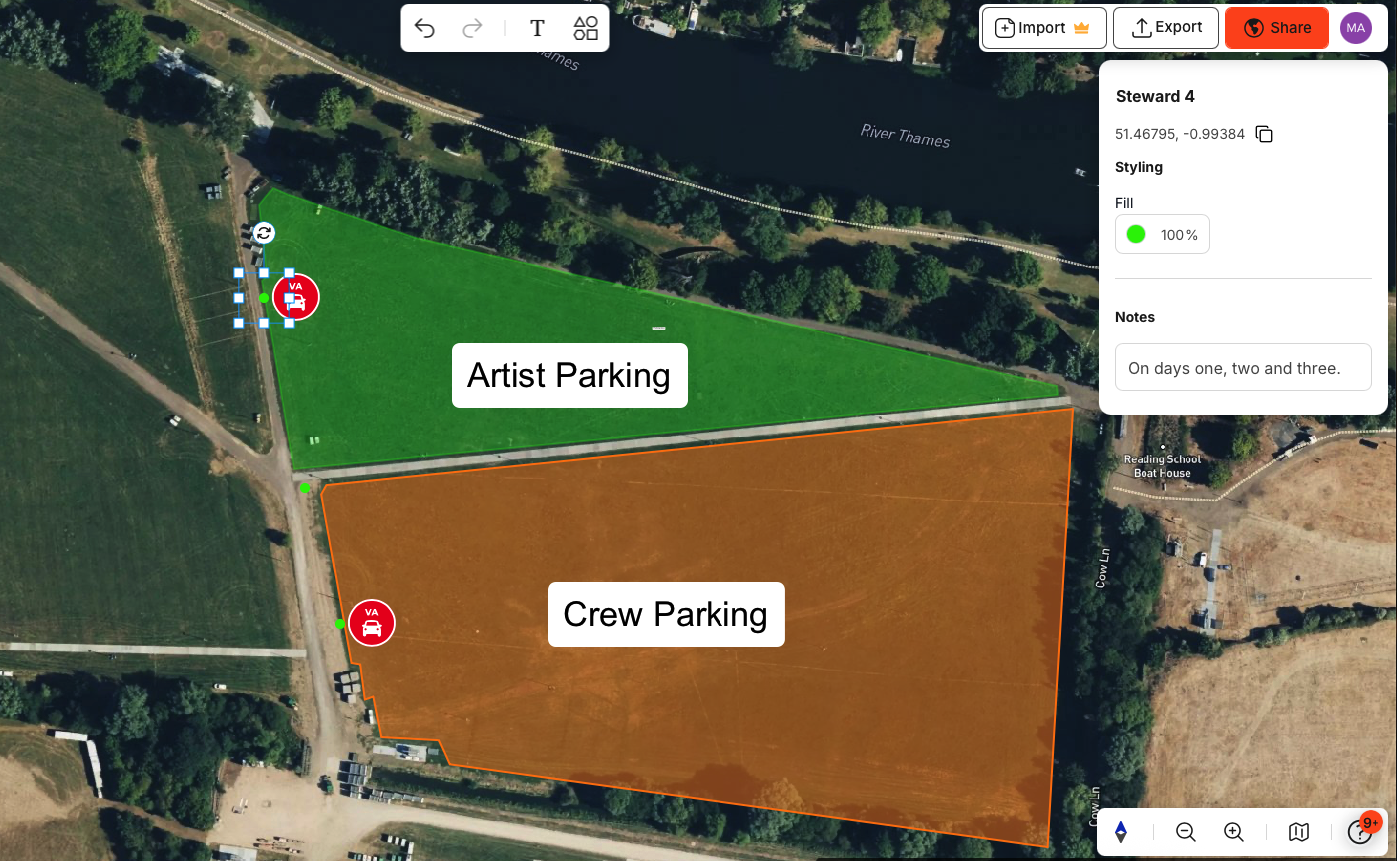
Technology can streamline the entire venue selection process. OnePlan enables sports event organisers to plan events with an accurate, to-scale map of any venue — whether it’s indoor or outdoor — and dramatically reduces the need for multiple site visits.
With OnePlan, you can: – Design your event with a drag-and-drop interface. – Define zones for athletes, spectators, and operations. – Add temporary or permanent infrastructure like stands, signage, or barriers. – Place facilities, equipment, routes, and access points. – Plan for different scenarios such as weather or crowd variations. – Import venue floor plans or PNGs for precise visual layouts.
OnePlan helps event planners collaborate remotely, test layouts in real time, and ensure operational viability in a venue.
Even better — OnePlan is free for one event with up to 50 objects on a plan, and plans can be scaled up to support large organizer teams. Sign up free and try it now.
After Your Venue Site Visit
Once you’ve completed your venue tours, compare each option based on the answers to your venue tour questions. Review logistics, accessibility, technical capacity, and cost.
When selecting your final venue, double-check the contract terms, including access times, insurance, and cancellation policies. Clear communication with venue managers helps ensure a seamless setup and event delivery.
Final Thoughts
Knowing the right questions to ask when touring a venue helps you identify whether a space truly meets your sports event’s needs. Combine these insights with powerful digital planning tools like OnePlan to visualise and plan every detail remotely.
By preparing thoroughly, communicating clearly, and using smart technology, you can reduce venue visits, streamline planning, and deliver a safe, well-organised, and memorable sports event for everyone involved.