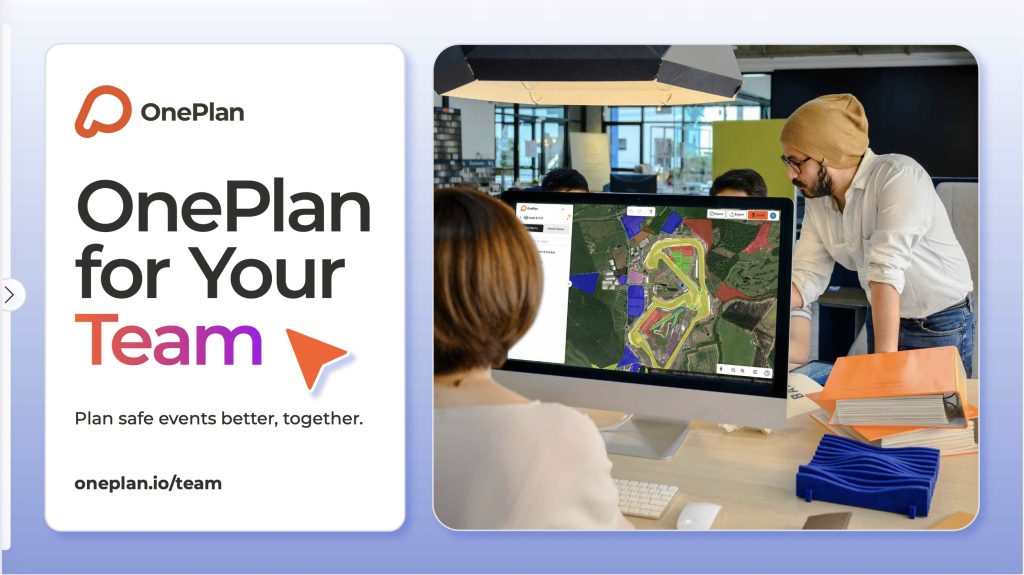
Collaborate efficiently to streamline your site planning.
"I'm now able to share an evolving document with my team and give a great picture to anyone working on or viewing the plan. It gives us a platform to discuss everything"
David Markham
World Triathlon
Plan Events as a Team in OnePlan
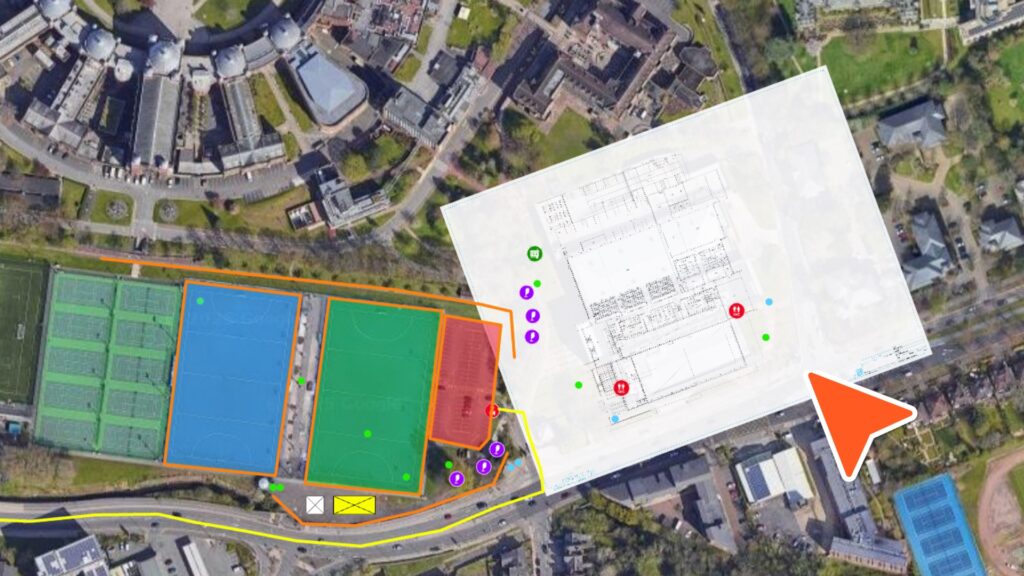
Import layouts
Upload existing floor plans, layouts and map imagery to your team’s site plans
Real-time planning
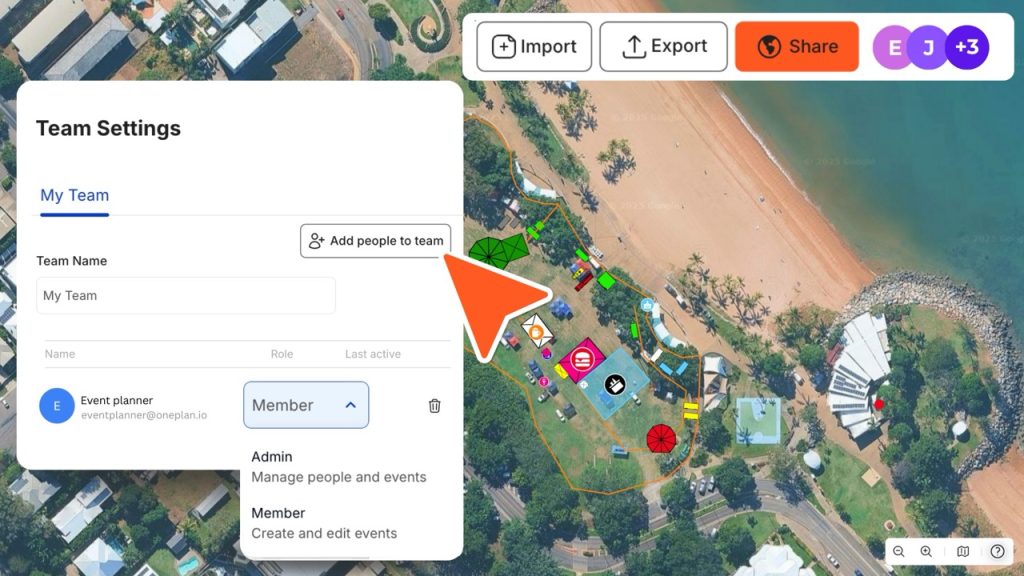
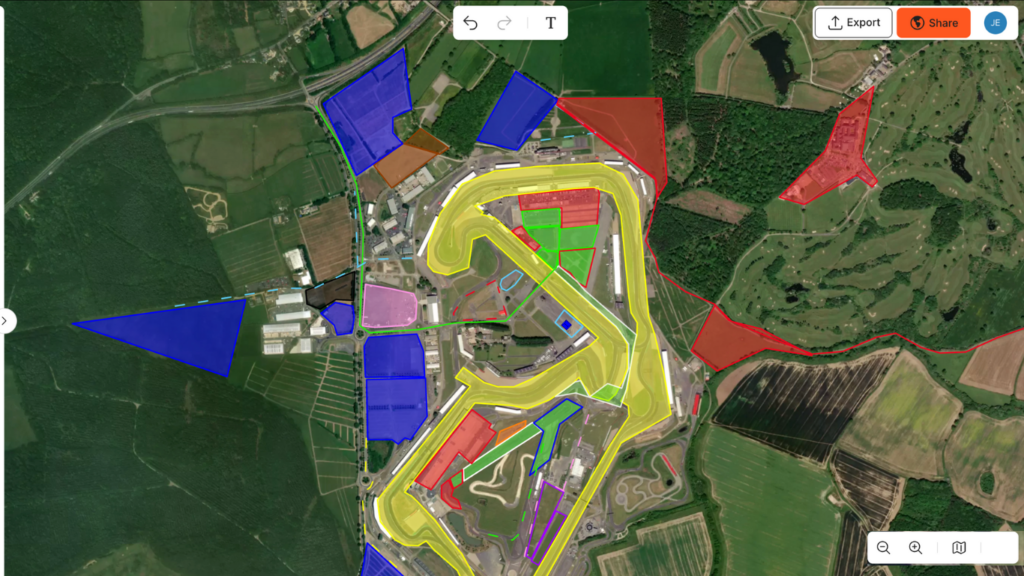
One single source of truth for up to 3 people to make changes to your plan simultaneously
Control your team’s access
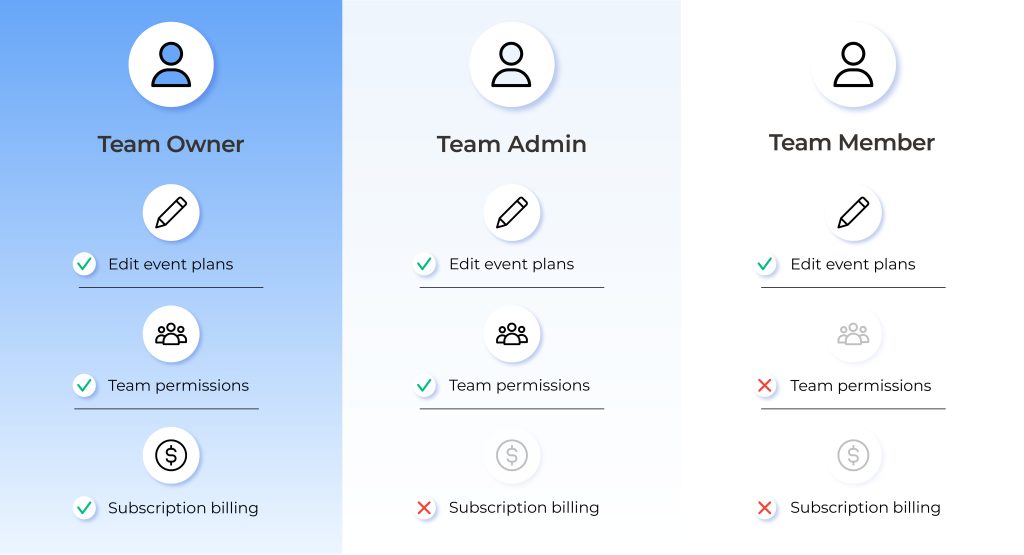
Set and change permissions for people in your team with Owner, Admin and Team Member roles
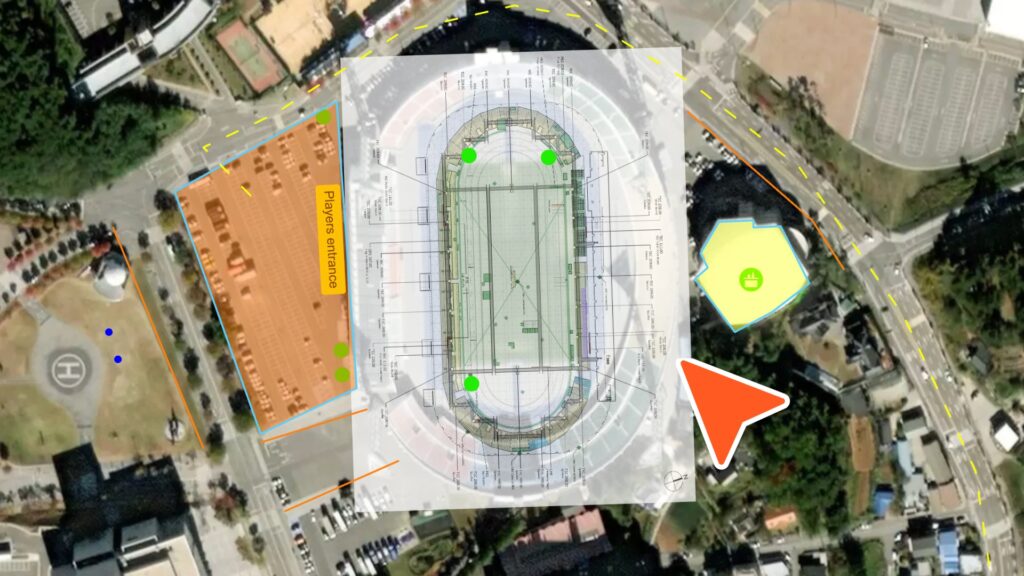
Plan multiple venues and event sites
Collaborate on multi-site projects by importing up to 4 layouts per event
Download the OnePlan for Your Team Ebook for Free!
Discover how event teams around the world plan smarter, faster, and together. Featuring real customer success stories and practical pro tips to streamline collaboration and save time.
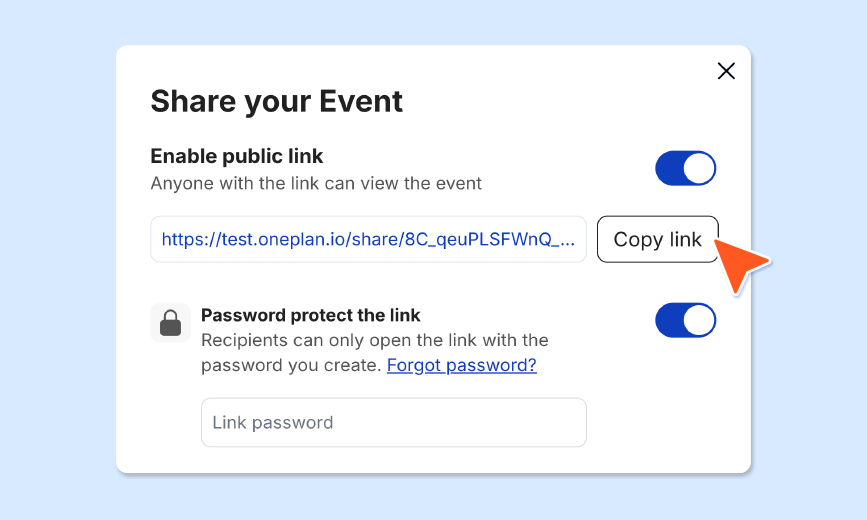
Yes, we know event planners need to work with contractors, freelancers and share plans with their clients and sponsors. You can add people outside your organisation to your account and manage what permissions they have to view and edit event plans.
Team accounts have a team workspace for shared plans and every user also has a private workspace for their own plans. The private workspace is ideal for testing scenarios or alternative layouts.
Multiple team members can collaborate in real time, you’ll be able to see each other working on the same plan and see each other’s changes as they are made. Once you’ve finished working on your zone, you can lock it so no other team member can edit it until you give permission.
Hit enter to search or ESC to close
Let us know you agree to cookies
We use technologies like cookies to store and/or access device information. We do this to improve browsing experience and to show (non-) personalized ads. Consenting to these technologies will allow us to process data such as browsing behavior or unique IDs on this site. Not consenting or withdrawing consent, may adversely affect certain features and functions.
Functional
Always active
The technical storage or access is strictly necessary for the legitimate purpose of enabling the use of a specific service explicitly requested by the subscriber or user, or for the sole purpose of carrying out the transmission of a communication over an electronic communications network.
Preferences
The technical storage or access is necessary for the legitimate purpose of storing preferences that are not requested by the subscriber or user.
Statistics
The technical storage or access that is used exclusively for statistical purposes.The technical storage or access that is used exclusively for anonymous statistical purposes. Without a subpoena, voluntary compliance on the part of your Internet Service Provider, or additional records from a third party, information stored or retrieved for this purpose alone cannot usually be used to identify you.
Marketing
The technical storage or access is required to create user profiles to send advertising, or to track the user on a website or across several websites for similar marketing purposes.
To provide the best experiences, we use technologies like cookies to store and/or access device information. Consenting to these technologies will allow us to process data such as browsing behavior or unique IDs on this site. Not consenting or withdrawing consent, may adversely affect certain features and functions.
Functional
Always active
The technical storage or access is strictly necessary for the legitimate purpose of enabling the use of a specific service explicitly requested by the subscriber or user, or for the sole purpose of carrying out the transmission of a communication over an electronic communications network.
Preferences
The technical storage or access is necessary for the legitimate purpose of storing preferences that are not requested by the subscriber or user.
Statistics
The technical storage or access that is used exclusively for statistical purposes.The technical storage or access that is used exclusively for anonymous statistical purposes. Without a subpoena, voluntary compliance on the part of your Internet Service Provider, or additional records from a third party, information stored or retrieved for this purpose alone cannot usually be used to identify you.
Marketing
The technical storage or access is required to create user profiles to send advertising, or to track the user on a website or across several websites for similar marketing purposes.