








































200,000+ events planned in 150 countries
OnePlan is a cloud-based event site planning software. It’s free to sign up and try it out and it doesn’t require downloads or installation. As a cloud-based solution, OnePlan is accessible anywhere there’s an internet connection. Plans can be shared with anyone by link without the recipient having to download anything.
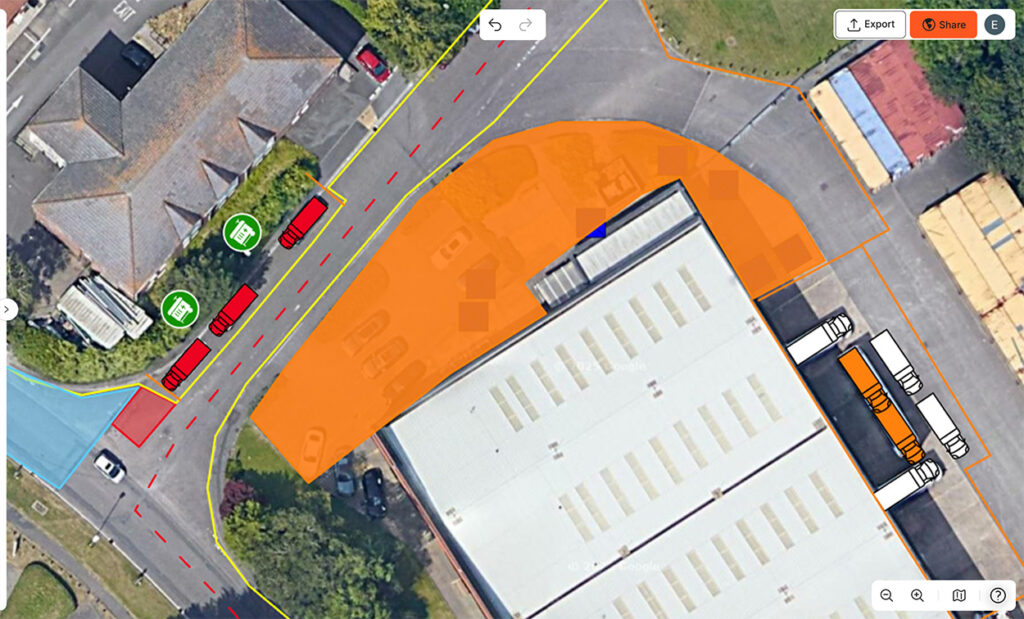
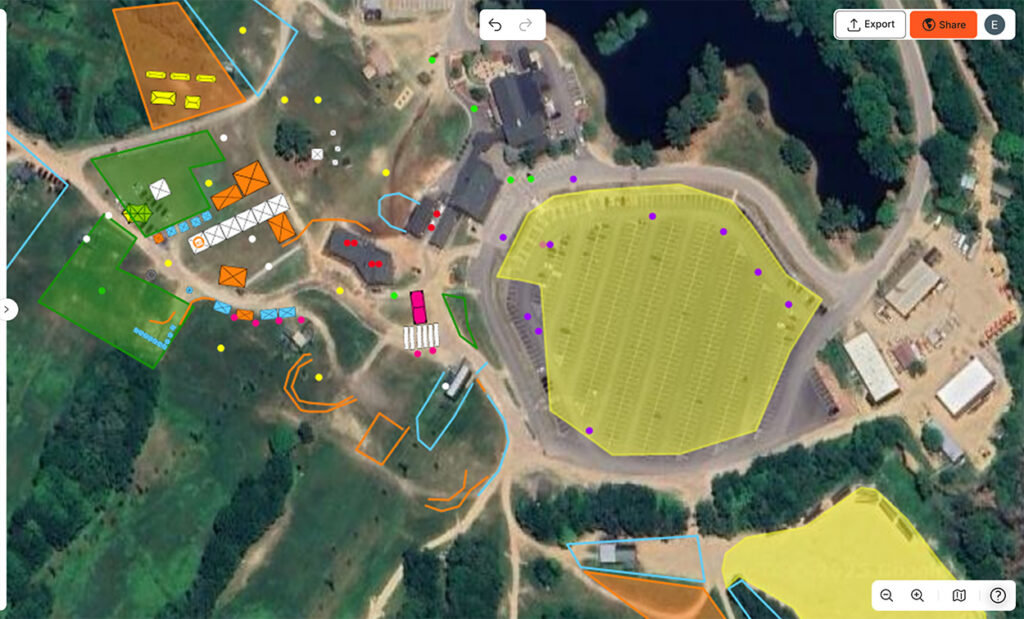
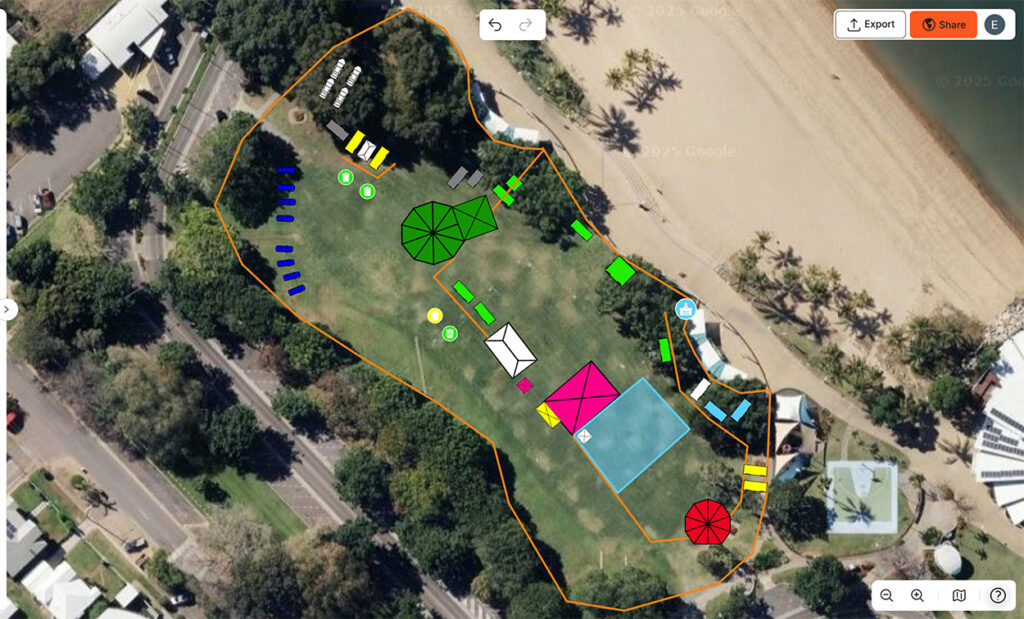
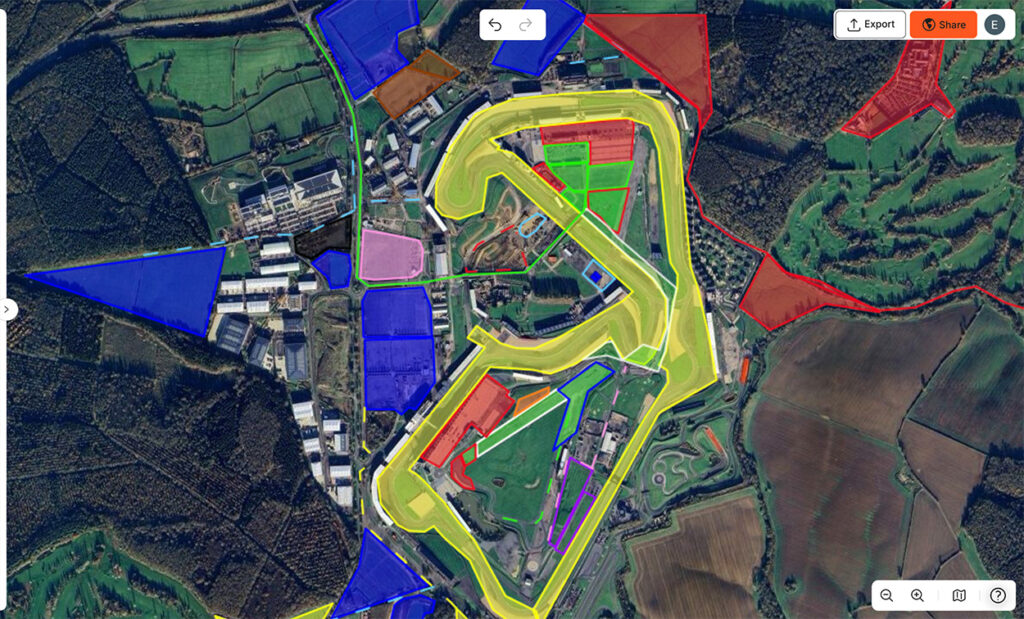
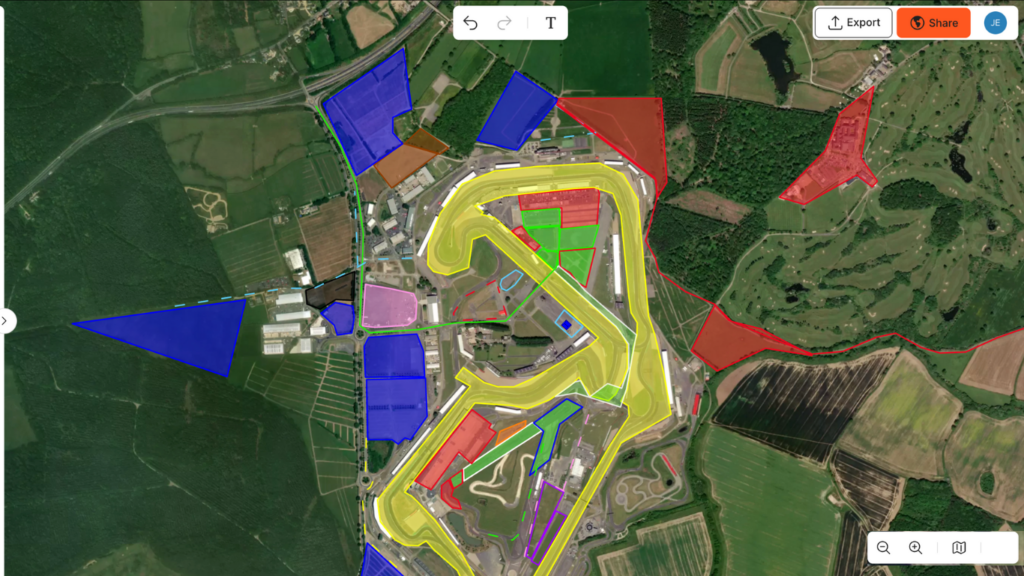
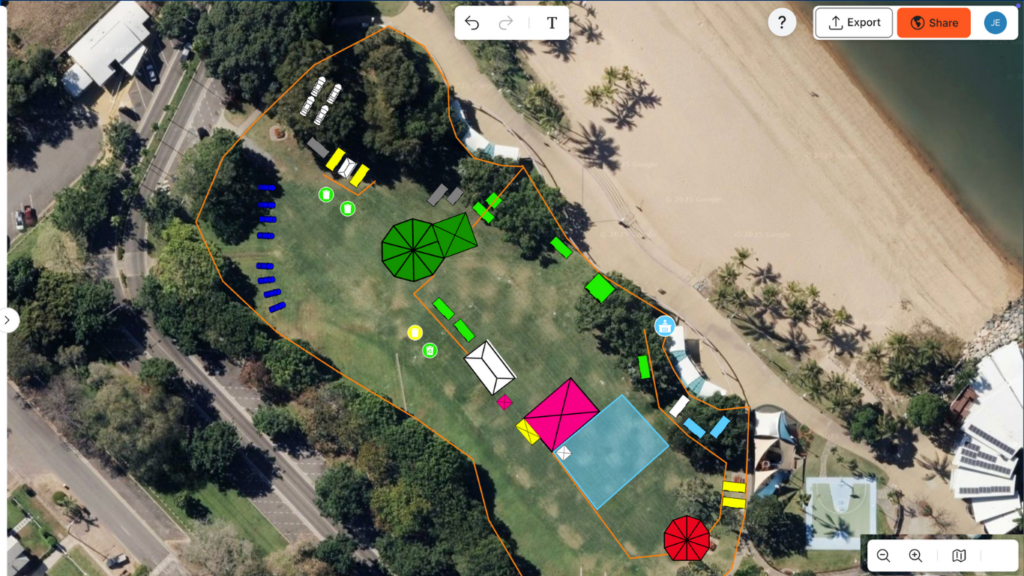
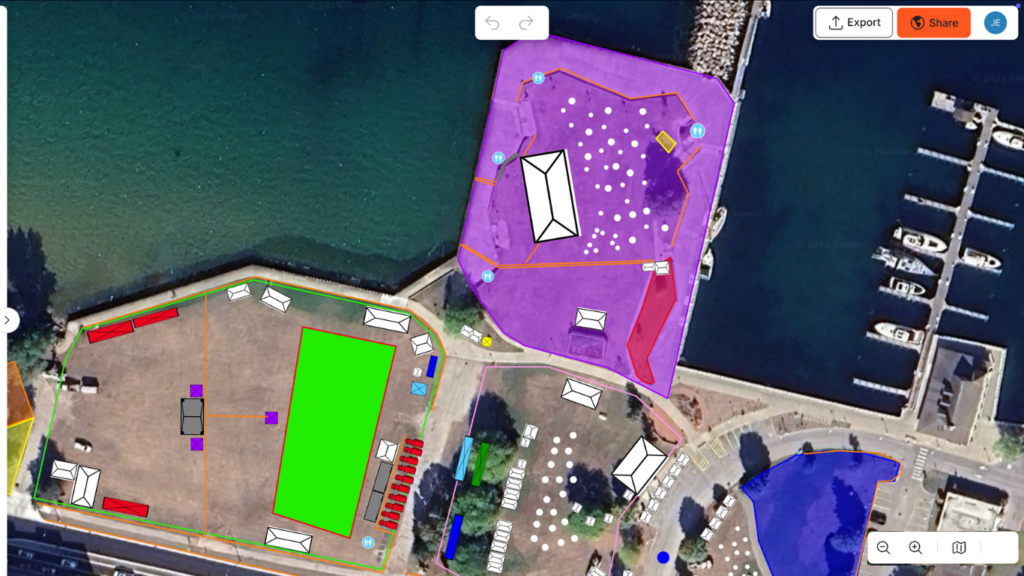
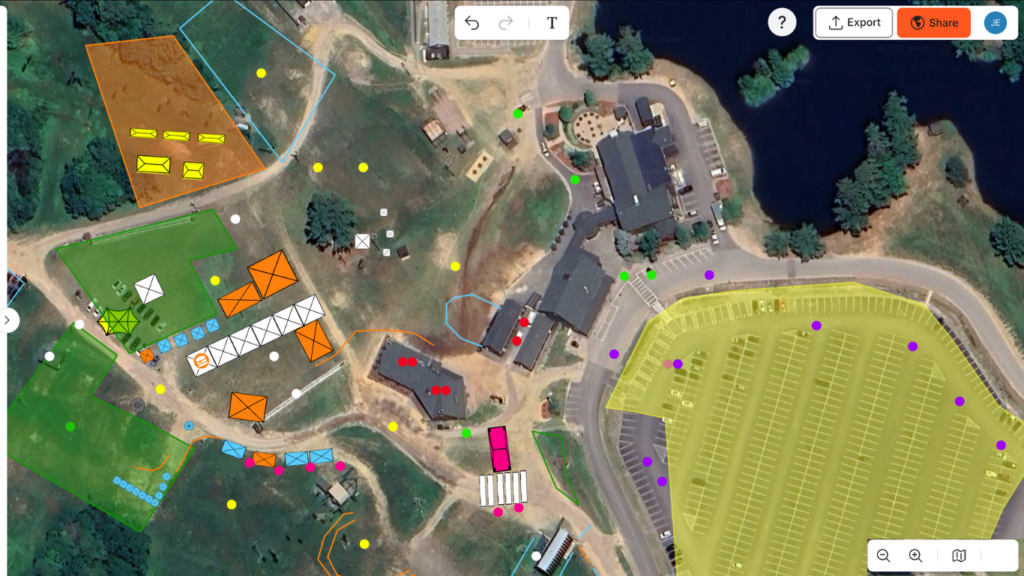
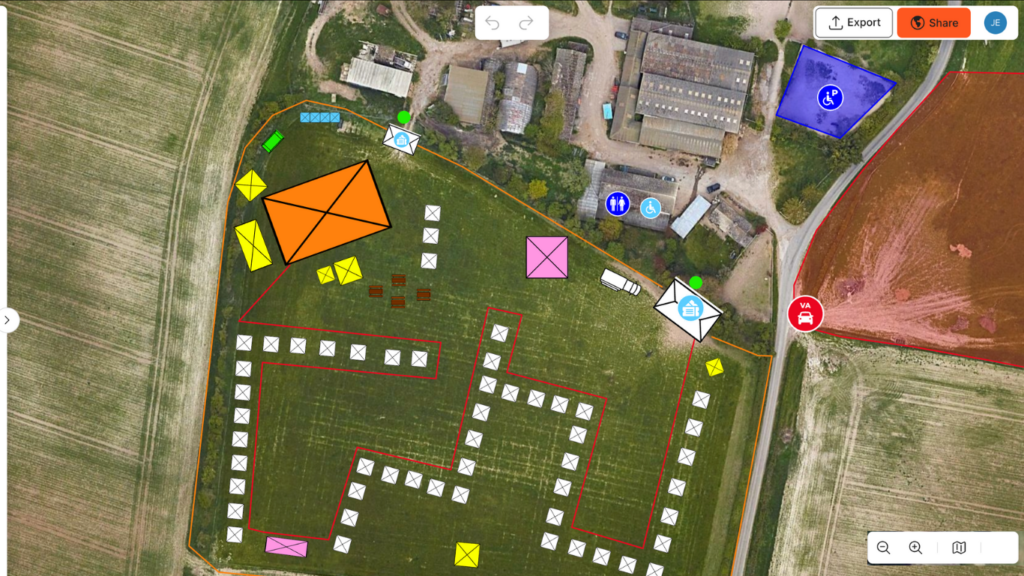
Event planning is easier on a map and that’s exactly what OnePlan was made to do. With a map first approach, and to-scale-accuracy, event planners choose their location, create their event, add infrastructure and team members. It saves event planners time, provides quicker access to information and allows them to plan for different scenarios.
Click the “Sign Up” button, enter your email and a password to start planning your first event. No payment details are required and your first 25 map objects are free.
OnePlan is a cloud-based event planning software so users don’t need to download or install anything and can access their account anywhere they have an internet connection.
The free plan allows up to 25 objects to be placed on an event plan and there are paid plans for users that require more objects, more events or to collaborate with team members. For more information visiting the pricing page.
Users choose their event location from one of several map types, and drag and drop objects onto their to-scale map of their location.
Many users tell us OnePlan is user-friendly and intuitive, requiring no design training. If you’d prefer an introduction, book a demo with a member of our team or visit the One Plan Academy.
OnePlan has been used to organise and manage large-scale events and small gatherings. It’s suitable for indoor and outdoor events, individual organisers and event teams.
OnePlan is a cloud-based event site planning platform designed to help organizers map, design and manage their events visually. It combines layout design, operational planning and collaboration tools in one place, making it easier to plan events of any size with accuracy and confidence.
Event planners use OnePlan to design more efficient, safer and better organized event sites. By planning on accurate maps, or indoor space layout plans, and testing different scenarios, they can improve crowd flow, optimise space, and ensure key infrastructure is positioned effectively before the event takes place.
OnePlan helps planners save time by bringing everything into one platform—from layout design to resource planning and stakeholder sharing. Real-time updates, reusable plans and intuitive tools reduce manual work and make it quicker to create, adjust and communicate event plans. Accurate digital site plans reduce the need for site visits and allow event teams to adapt to changes faster than ever.
With OnePlan, teams can work together on the same event plan in real time. You can invite team members, assign permissions, add notes directly to objects and share plans via link, ensuring everyone stays aligned and up to date throughout the planning process.
OnePlan is designed to complement your existing event tech stack rather than replace it. It acts as a central planning layer for your event site, bringing together layouts, infrastructure and operational details in one visual platform. You can import existing plans such as CAD drawings or overlays, and export site plans or data to share with stakeholders, suppliers or other systems.
OnePlan focuses on event site planning and operational design, so it works alongside tools you may already use for ticketing, marketing or project management. Many organisers use OnePlan as their central source of truth for layouts, infrastructure and logistics, while integrating it into their wider event tech stack.